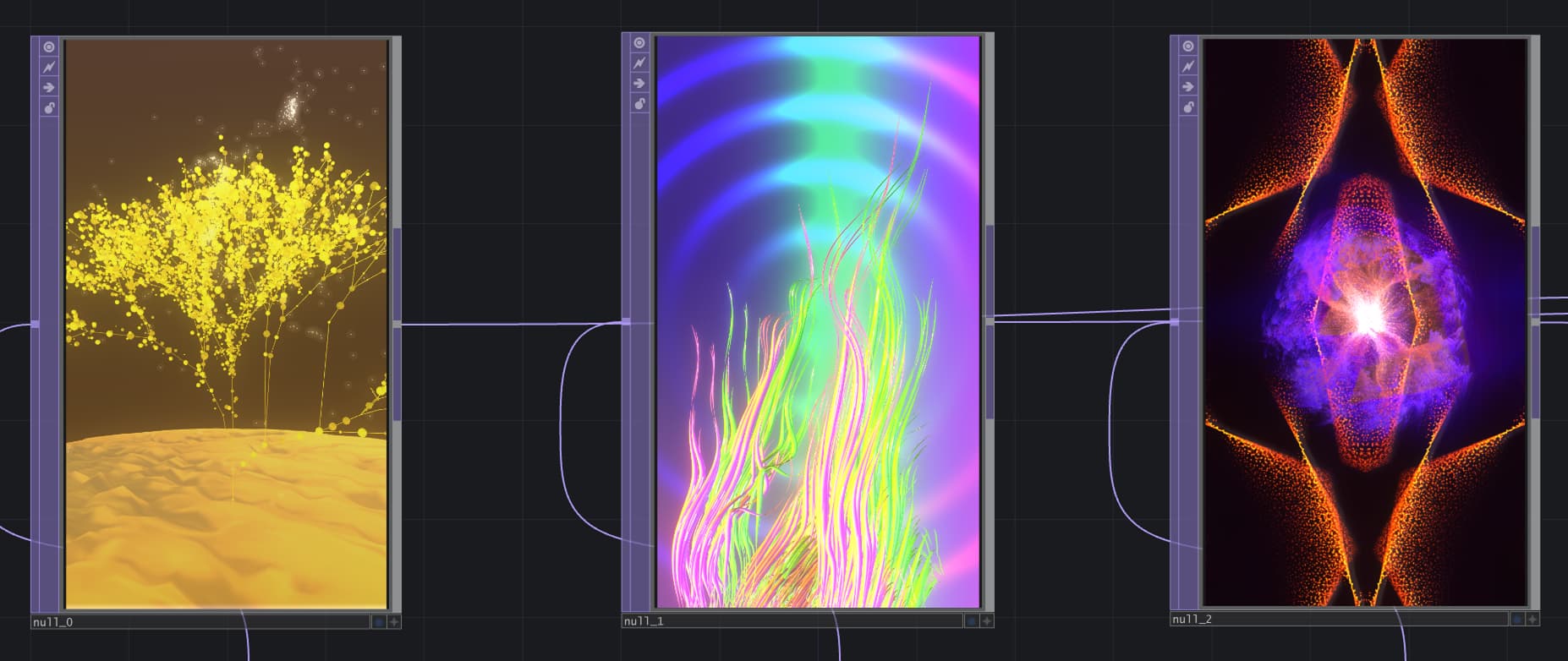
An interactive installation, where customers scan perfume bottles into a system and see live rendered audio-visual displays, expressing the mood of the perfume's scent. This could be a memorable brand activation and help customers avoid smell overwhelm.
_Challenge_01/04_
The perfume market is over saturated, so how does a new brand break into it? Perfume stores can also be an overwhelming experience, with customers smelling so many things it's hard to differentiate each scent. The immersion of the experience journey is also disrupted by reading obscure or unfamiliar ingredients. Pulled away to look them up on a phone, or on the perfume bottle's tiny ingredients list. In store perfume experiences could be a lot more playful...
_Solution_02/04_
An interactive installation to drive foot traffic in store, create unique shareable moments, and leave a lasting impression in customers' minds.
The experience should be frictionless and include interactions customers are already familiar with in stores: like swiping items on a scanner for more information.
What does the customer want to smell like? Playful? Mysterious? Powerful? Calm? The installation aims to communicate these moods through abstract visuals and audio.
Elizabeth Arden - Sunflowers scent
Tommy Hilfiger - Tommy Girl scent
Jo Malone - Myrrh & Tonka scent
_Process_03/04_
Each perfume was worn to gauge the style and mood of each scent. Ingredients and scent notes were reviewed to start sketching associated colours and shapes.
Visuals were built with TouchDesigner, so that they could be more than just pretty animations, but also interacted with live, responding to what users scan.
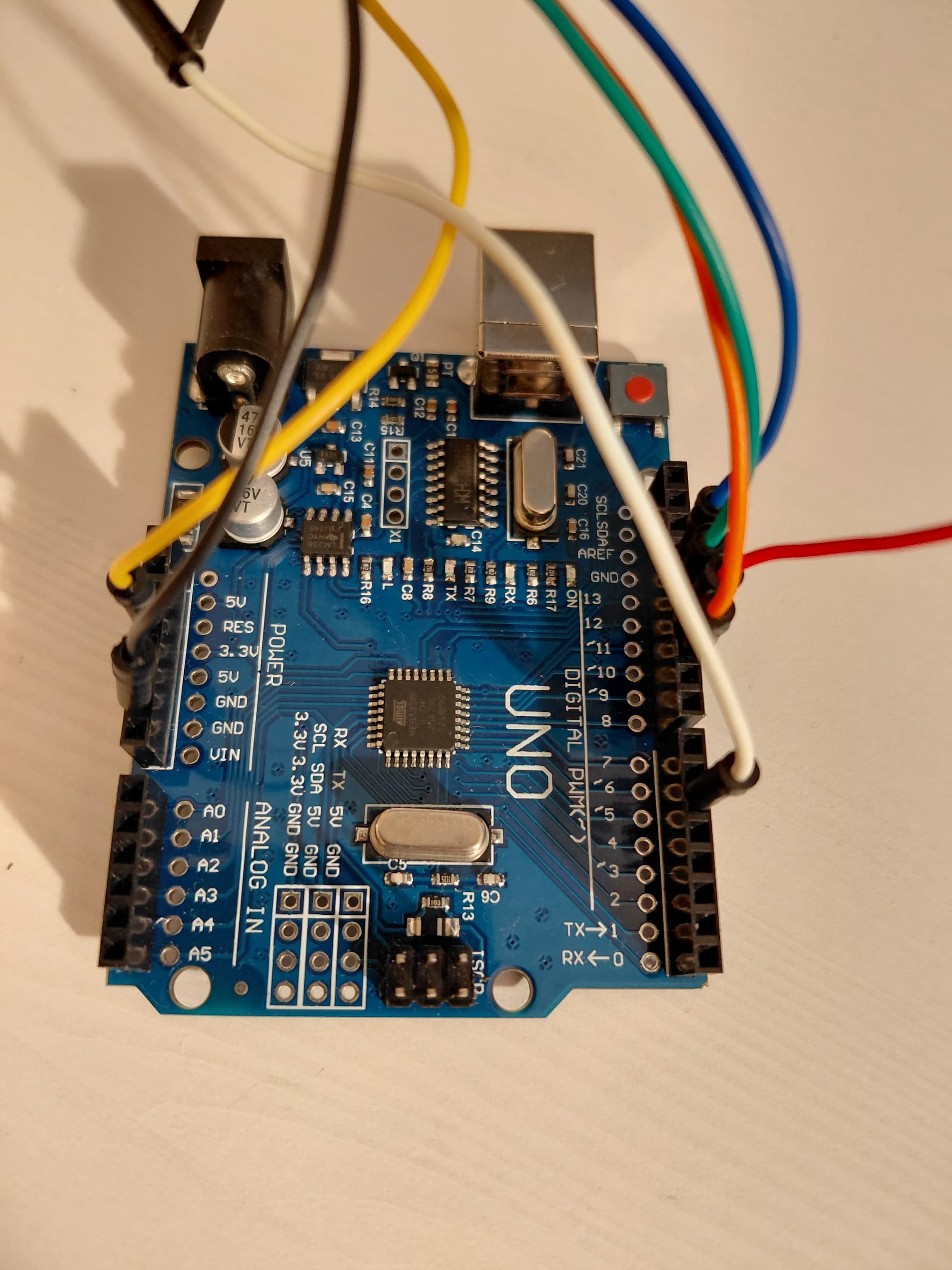
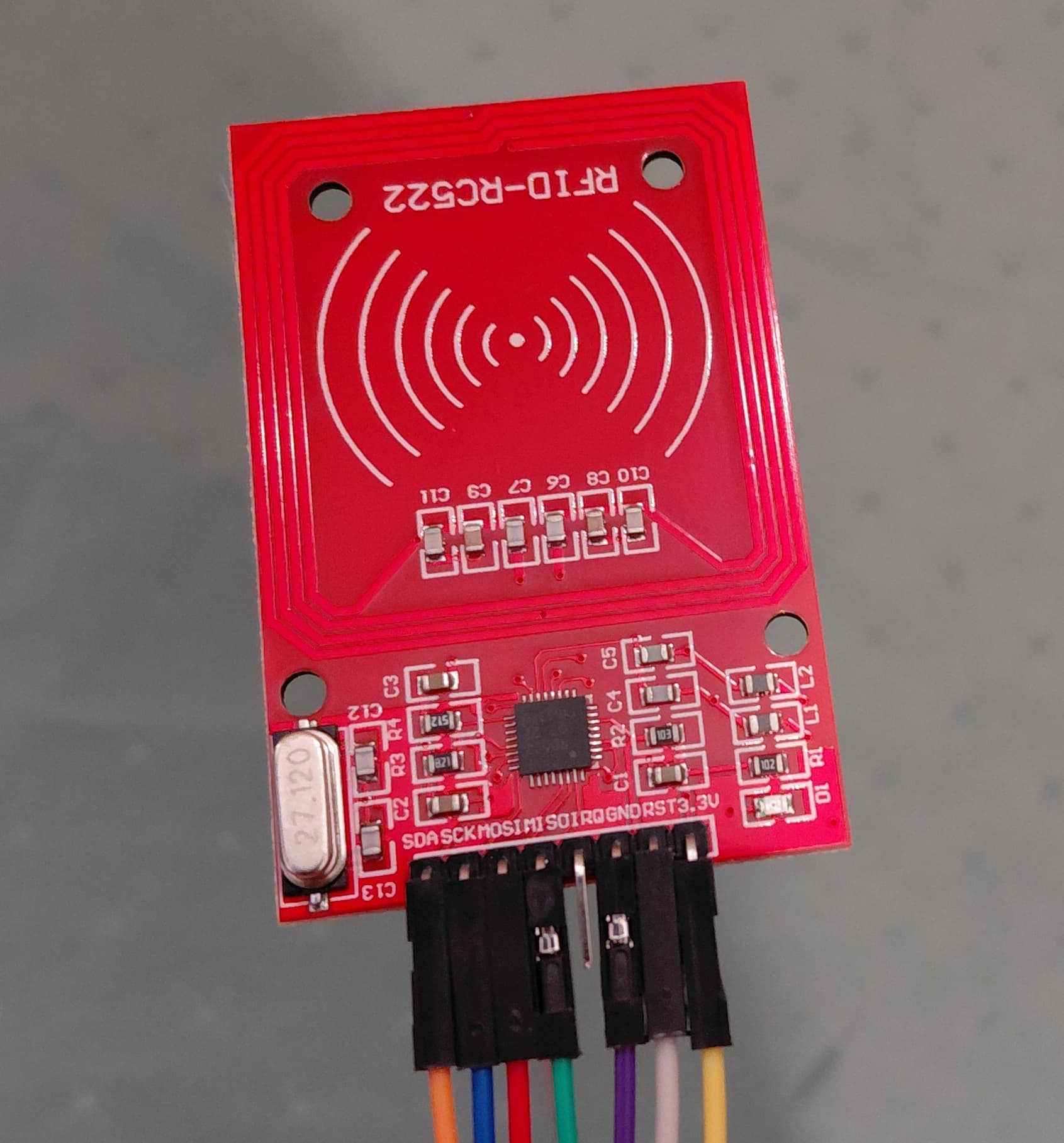
The detection and trigger system was built with an Arduino Uno, an RFID sensor and RFID stickers on the perfume bottles. This allows users to scan the bottle, receive instant feedback, and quickly swap between different renders without needing to click anything.
Python script was used to stop unscanned visuals from rendering or “cooking” on the GPU when they were not currently being accessed. This allows the system to operate even on lower power machines like laptops and some tablets.
_Outcome_04/04_
This project resulted in a working installation, that communicated across both the physical and digital space. All the tools used in this project were learned for the first time. After a month of practice with them, I planned, designed, coded and built the full installation in 5 days.
For a client ready version next steps would be;
- Tailoring the visual style to the client's brand identity.
- Creating bespoke audio design to suit brand and environment volume requirements
- Housing the components inside a protective casing to prevent user errors.
- Displaying visuals on a tablet to for easy portability.
@Credits {
Music featured in videos }
"Wind of the Rainforest" Kevin MacLeod (incompetech.com)
"Neon Laser Horizon" Kevin MacLeod (incompetech.com)
"Ghetto Blasted" Tim Klug (timkulig.com)
Licensed under Creative Commons By Attribution 4.0